Last week I stubbed my toe on the bottom stair at 2 a.m. — again.
I’d been meaning to fix it for months. You know how it goes: install a smart light? Sure. Tomorrow. Wire a motion sensor? Maybe next weekend. The hallway stayed dark for another365 days.
Until I finally bought a $1*.** Zigbee PIR motion sensor and stuck it on the wall. The whole install took 90 seconds. The next morning, my staircase lit up like a runway every time I walked past.
That tiny moment — not stubbing my toe — was the win I’d been ignoring.
If you’ve ever:
Stumbled to the bathroom half-asleep
Wondered if the “noise” downstairs was just the cat
Wished your garage lights came on without you fishing for a switch
…a Zigbee PIR motion sensor fixes all three. Quietly. Reliably. Without you ever thinking about it again.
Let me explain how it actually works in a real home, and why this is one of the cheapest smart home upgrades you’ll ever make.
What Is a Zigbee PIR Motion Sensor?
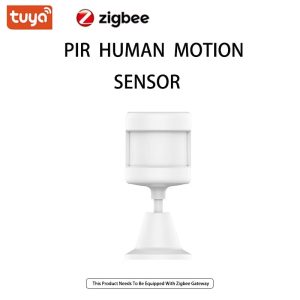
A motion sensor with Zigbee wireless connectivity is exactly what it sounds like: a small white box that detects infrared (body heat) movement and tells your smart home system about it.
Two words matter here:
PIR = Passive Infrared. It sees body heat moving through its detection zone. People, pets, even large warm objects. It doesn’t emit anything — it just listens.
Zigbee = A low-power wireless protocol that your smart home hub uses to talk to sensors, lights, locks, and switches. Zigbee sensors run for years on a single coin battery because they sleep most of the time.
Combined, you get a motion sensor that lasts2 years on a CR2450 battery, costs under $15, and talks to every major smart home platform through one little hub.
Most product pages list ten “features” you don’t care about. Here’s what a motion sensor actually does in my house:
1. Automatic Night Lighting (the biggest win)
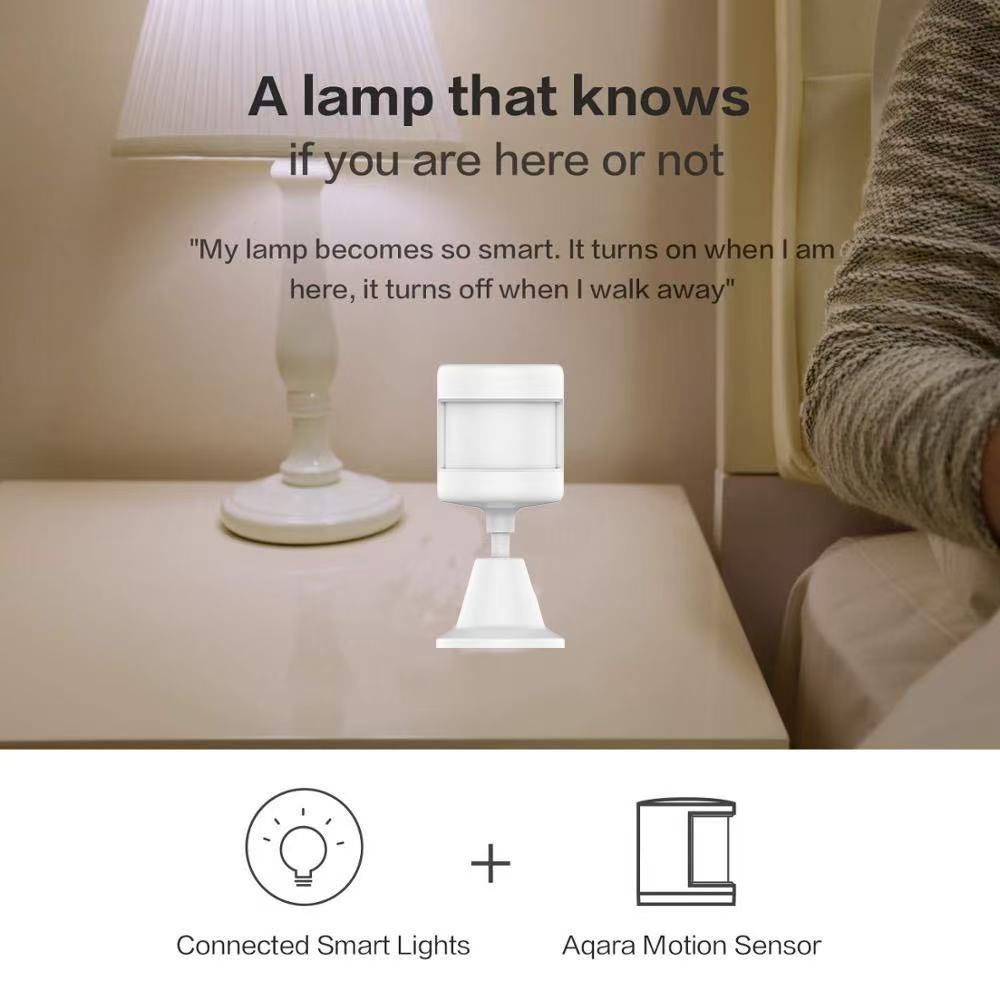
Walk into the hallway at 2 a.m. Light comes on softly. Cross into the bathroom. That light comes on. Walk back to bed. Both lights fade off 60 seconds later.
I set this up once. I have not touched it since.
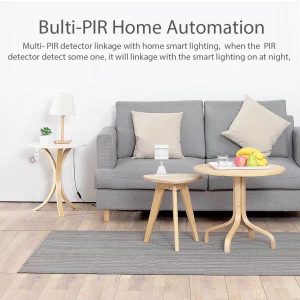
The setup is simple:
Trigger: motion sensor detects motion
Action: turn on hallway smart bulb at 20% brightness
Condition: only between sunset and sunrise
Off: 60 seconds after no motion detected
That’s it. The motion sensor does the work your hands used to do — only better, because it never forgets.
2. Front Door Awareness (without a camera)
I don’t want a camera pointed at my front door. I just want to know when someone approaches.
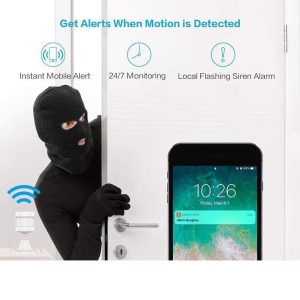
A Zigbee PIR motion sensor mounted above the front porch sends an instant push notification to my phone when someone walks up. Combined with a smart doorbell, I get:
A camera when someone rings
A motion alert when someone walks up
The motion sensor is the early warning system. The doorbell is the confirmation.
3. The “Did I Leave the Garage Open?” Check
Mount a motion sensor in your garage. Every time the garage door opens, you get a notification. Every time the door stays open for more than 10 minutes with no motion detected inside, you get a second notification — “Garage may be open.”
Cheaper than a smart garage door opener. Solves a real problem.
Where to Mount Them (and Where NOT To)
After installing these in three homes, here’s what actually works:
Hallway corners (8 feet up, angled down)
Above the front door, pointing at the walkway
Inside the garage, facing the door
Stair landings (this is where I stubbed my toe)
Bad spots:
Facing a window (sunlight triggers false alerts)
Above a radiator or heating vent (heat confuses PIR)
Directly facing an HVAC vent (moving air = false alerts)
The detection angle is typically150°. That sounds narrow, but in practice, one sensor covers a 12×12 foot room from a corner mount.
How Long Do They Actually Last?
Marketing claims “up to 2 years.”
Real-world answer: 18 to 24 months depending on:
How often motion is triggered (busy hallway = more wake-ups)
How strong the Zigbee signal is (weak signal = sensor works harder)
Battery brand (cheap CR2450s die in 8 months, name-brand lasts 2 years)
Pro tip: replace the battery before it dies. When Zigbee sensors die, they usually don’t warn you — your automations just stop working one day, and you spend an hour figuring out why.
What You Need to Get Started
A Zigbee PIR motion sensor isn’t a standalone device. You need three things:
The sensor itself ($13–$20, depending on brand)
A Zigbee hub ($30–$60) — Tuya, Smart Life, Aqara, or Home Assistant all work
At least one smart bulb or smart switch to controlIf you’re starting from scratch, the total cost is around $80–$100 for a complete motion-activated lighting setup. That’s cheaper than a single smart bulb from the expensive brands — and it works in every room you add a sensor to.
The Real Reason You Should Buy One Tonight
Here’s the thing nobody tells you about smart home gadgets: most of them solve problems you don’t have.
A motion sensor is different. It solves a problem you already have:
The dark hallway at 2 a.m.
The front door you can’t see from the couch
The garage light you always forget to turn off
You don’t need a “smart home.” You need one motion sensor, in one spot, solving one annoying problem.
That Zigbee PIR motion sensor I stuck on the wall last week? It’s the cheapest thing in my smart home. And it’s the one I use every single day.
<section style=”padding:50px 20px; max-width:880px; margin:0 auto; font-family:inherit;”>
<h2 style=”color:#c8a464; font-size:28px;”>Get in Touch</h2>
<p style=”line-height:1.8;”>Reach us through any channel below — we reply within one business day.</p>
<ul style=”line-height:2; font-size:17px; list-style:none; padding:0;”>
<li>Email: <a href=”mailto:xingliaoshop@163.com”>xingliaoshop@163.com</a></li>
<li>WhatsApp: <a href=”https://wa.me/8617666669273″>+86 176 6666 9273</a></li>
<li>OEM / Domestic: <a href=”https://xingliaotech.com/”>xingliaotech.com</a></li>
<li>Shop: <a href=”https://xingliaoshop.com/shop/”>xingliaoshop.com</a></li>
</ul>
</section>